I’d happily use a passphrase with multiple unrelated 8-12 character words but for some reason most businesses have upper limits on how many characters can be used…
And more and more businesses are also limiting what characters you use, as well.
Like, my random generator uses characters from the entire European UTF-8 printable character set. This expands the number of usable characters from about 68-74 (the typical uppercase, lowercase, 0-9 & special characters) to about 1,200 characters. This includes all Latin, Cyrillic, and Greek variations used across Europe.
Just using the wider UTF-8 range nearly always doubles the bitwise complexity (as KeePass measures it) for passwords of the same length, if not more, thereby dramatically reducing the ability for the password to be brute-forced. Not to mention using characters that are not expected to be in passwords in the first place - most brute forcing simply doesn’t account for that where a primarily English-speaking victim set is concerned.
Plus, the passwords are not short. I usually prefer 32 characters, and in important/mission-critical services I expand it to 64 characters.
Some sites require special characters in their passwords, other websites don’t even allow them. I use a password manager, but still have to tweak the password generation rule for some sites.
Look at you with the heavy security. No need for that, right on the monitor should be fine. In fact to avoid confusion you should write ‘Computer PW: correcthorsebatterystaple’ so you don’t forget what the note is there for.


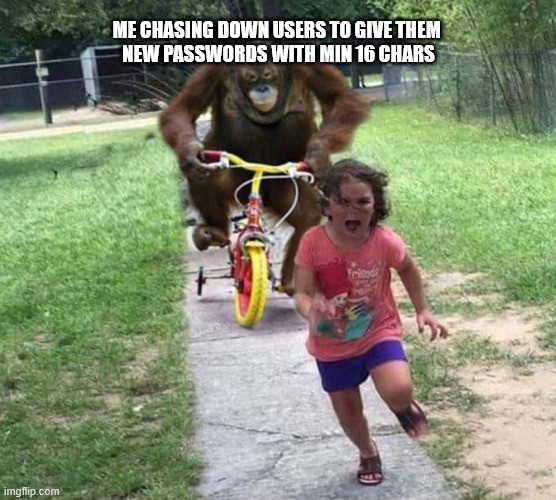
I’d happily use a passphrase with multiple unrelated 8-12 character words but for some reason most businesses have upper limits on how many characters can be used…
And more and more businesses are also limiting what characters you use, as well.
Like, my random generator uses characters from the entire European UTF-8 printable character set. This expands the number of usable characters from about 68-74 (the typical uppercase, lowercase, 0-9 & special characters) to about 1,200 characters. This includes all Latin, Cyrillic, and Greek variations used across Europe.
Just using the wider UTF-8 range nearly always doubles the bitwise complexity (as KeePass measures it) for passwords of the same length, if not more, thereby dramatically reducing the ability for the password to be brute-forced. Not to mention using characters that are not expected to be in passwords in the first place - most brute forcing simply doesn’t account for that where a primarily English-speaking victim set is concerned.
Plus, the passwords are not short. I usually prefer 32 characters, and in important/mission-critical services I expand it to 64 characters.
Some sites require special characters in their passwords, other websites don’t even allow them. I use a password manager, but still have to tweak the password generation rule for some sites.
That is the character limit on the database field where they store your password in plain text.
Sure, but it’s going on a sticky note taped on the bottom of my keyboard
Look at you with the heavy security. No need for that, right on the monitor should be fine. In fact to avoid confusion you should write ‘Computer PW: correcthorsebatterystaple’ so you don’t forget what the note is there for.
And don’t allow spaces, for some unknown reason.
Rule #1 “don’t implement your own security/crypto code unless you are a security expert, and even then…”